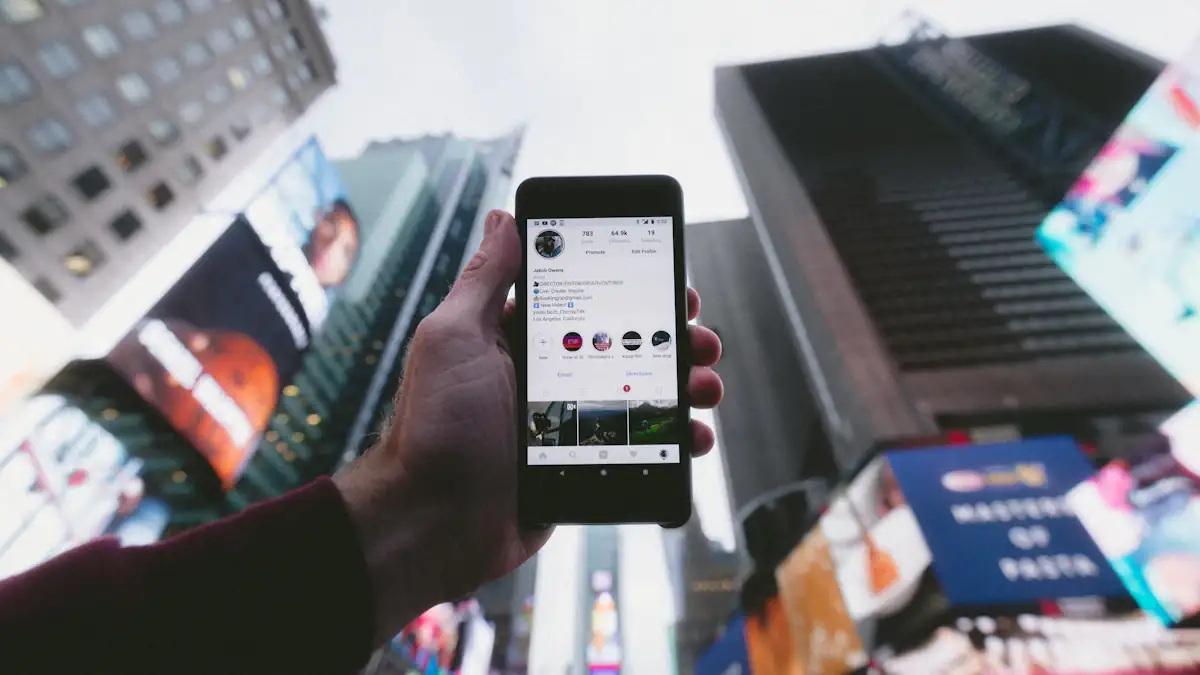
A story lives for 24 hours. A highlight is a story the account decided to keep: pinned to the profile, grouped under a cover and a title, and visible for as long as the owner leaves it there. Highlights are where an account's real history sits, and they behave a little differently from the stories they came from.
How highlights work
When you post a story it is saved to your archive automatically (unless you turned that off). From the archive, or from the live story, you can add it to a highlight. A highlight can hold up to 100 stories, and you can have as many highlights as you like. The stories keep their original date, which shows when someone opens them.
Do highlight views get recorded?
Yes, for a while. When you open someone's highlight while logged in, your view is recorded for the stories inside it in the same way as a live story, and the owner can see viewers for a limited window after each story was first posted. Older stories in a highlight no longer show a viewer list, but the view count can still increase in the owner's insights.
Viewing someone's highlights without logging in
For a public account, the highlights are public, which means they can be loaded without an Instagram account. View Story's highlights viewer does exactly that: search the username, and the highlight covers appear above the live stories. Tap one and every story in it loads, with its date, ready to play, open full size or download.
Because no account is used, nothing is recorded. This is also the easiest way to browse a long highlight on a big screen instead of tapping through it on a phone.
Saving a highlight
Instagram lets you save your own highlights to your camera roll, one story at a time, from the story's menu. For someone else's highlight there is no save option in the app. A story downloader fills that gap: on View Story, each story in a highlight has a Download button that saves the original photo or video, with audio, and no watermark.
The usual rule applies: keep downloads for personal use and ask before reposting someone's content.
Organizing your own highlights
- Name them for visitors, not for you. "Prices", "Reviews", "Travel 2026" tells a new visitor what to open. Emoji-only titles look nice and tell them nothing.
- Keep the first three strong. On a phone, only the first few covers are visible without scrolling. Put your most useful ones first; you can reorder by editing a highlight, which moves it to the front.
- Use covers. A simple icon on a flat colour reads better than a random frame from the first story. You can upload a cover image that was never a story.
- Prune. A highlight with 90 stories is rarely watched to the end. Remove the weak ones; the rest stay in your archive.
- Close Friends highlights stay restricted. If a highlight is built from Close Friends stories, only your list can see it, even though it sits on your public profile.
Highlights and privacy
Highlights on a private account are only visible to followers, and no outside tool can show them. On a public account, everything in a highlight is public and will be read by search engines, archives and viewers alike. If a story was fine for 24 hours but not for years, do not add it to a highlight.