Instagram Story Downloader
Save any public Instagram story as a photo or video file in its original quality. Paste a @username, tap Download on the story you want, and the file lands on your device. No login and no watermark.
What the Instagram story downloader does
Stories vanish 24 hours after they are posted, and Instagram offers no save button for other people's stories. View Story fills that gap. Enter a public username and the current stories appear as cards. Each card has a Download button that saves the original file: a JPG for photos, an MP4 with sound for videos.
The download goes through our server, so your browser never talks to Instagram directly and your account is never involved. The owner sees no view and no notification. You get the file exactly as it was uploaded, with no watermark, no resizing and no recompression.
Highlights work the same way. Open any highlight on the profile and download the stories inside it, even ones that were posted years ago. The full-size profile picture is one tap away as well.
How to download an Instagram story
Four steps, nothing to install, and it works the same on a phone or a computer.
Find the username
Open the profile on Instagram and copy the @username or the profile link. You can also paste a story link; we read the username out of it.
Paste and search
Drop it into the box above and press View stories. The live stories and highlights of that public profile load in a few seconds.
Tap Download
Each story card has a Download button. Photos save as JPG and videos as MP4 with the original audio.
Find the file
On iPhone it goes to Photos, on Android to Gallery or Downloads, and on a computer to your Downloads folder.
What you get
Original files, not screenshots.
Photo stories as JPG at the resolution Instagram serves, usually 1080 by 1920 pixels.
Video stories as MP4, including the music or voice-over that played on Instagram.
Highlight stories from any highlight on the profile, however old they are.
Profile pictures in full size instead of the small cropped circle.
No watermark on anything. The file is saved as it was uploaded.
Unlimited downloads with no account, no credits and no daily cap.
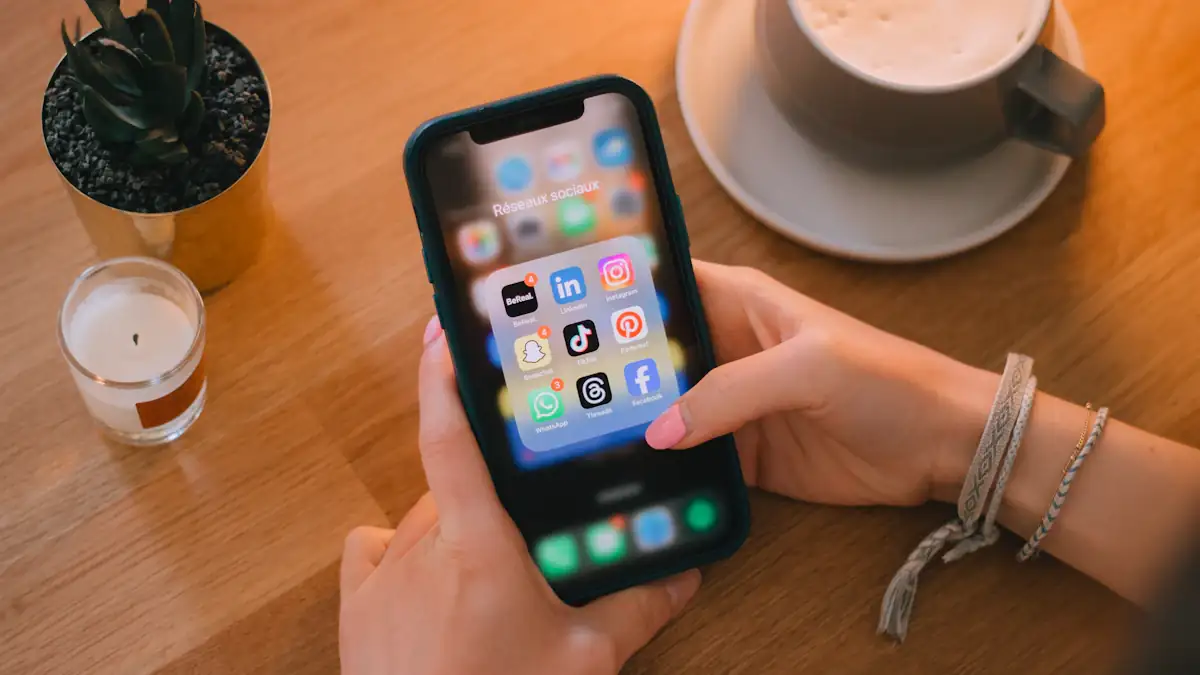
Instagram stories, without the Instagram app
You do not need the app, an account or even a phone. Open viewstory.app in any browser, type a public username, and the stories that are live right now appear as a grid. Each card shows when it was posted and how long it has left.
Tap a card to open the slideshow player, or use the Download button to keep the original photo or video, with its sound.
Quality and privacy
Many story downloaders hand you a screen recording or a compressed copy. View Story requests the actual media file that Instagram serves to the web and passes it to you unchanged. The resolution, frame rate and audio are the original ones.
Because the request is made by our server with no account attached, the download is anonymous. We do not keep the file or a record of the username. Save stories for personal use, and ask the creator before you repost their work.
Frequently asked questions
Can I download an Instagram story without the owner knowing?
Yes. View Story never uses an Instagram account to fetch the story, so there is no view to record and no notification. The owner cannot tell that you saved it.
Does the downloaded video include the sound?
Yes. Video stories are saved as MP4 files with their original audio track, including music added on Instagram.
Is there a watermark on downloaded stories?
No. You get the original file with nothing added.
Can I download stories from a private account?
No. View Story only works with public profiles. Private accounts stay private.
Can I download old stories?
Only if the owner saved them to a highlight. Stories that expired without being added to a highlight are gone from Instagram and cannot be recovered by any tool.
Where does the file go on my iPhone?
Safari asks whether to download, then saves it to the Files app or, for photos, straight to Photos. Chrome on iPhone behaves the same way.
Is it free?
Yes. There is no limit on the number of stories you can download.
Can I download a story from a link instead of a username?
Yes. Paste the story link or the profile link; we pull the username out and load that account's stories.
More free Instagram tools
Story Viewer
View Story is a free anonymous Instagram story viewer. Watch any public account's stories, highlights and profile picture without logging in, see how long each story has left, play them as a slideshow and save them in original quality.
Highlights Viewer
View Instagram highlights anonymously with View Story. Open any public profile's highlights without logging in, watch every saved story and download them in original quality.
Profile Picture
Download any public Instagram profile picture in full size with View Story. See the HD profile photo without login, anonymously, and save it in one tap.
Follower Tracker
Free Instagram follower tracker. See the most recent followers of any public profile and the accounts it just followed. No login, no sign-up, anonymous.
Ready to view a story?
Paste a public username and see its stories in seconds. No login, no trace.